What does a video clipper do? The workflow step by step
Follow the job from reading the brief to selecting stories, editing, publishing and reporting the outcome.
By the getcliper editorial team · Updated:
Understand the task before editing
A clipper makes independent short videos from longer recordings. Work begins with the recipient, publishing destination and acceptance criteria. A client may need interview answers as files, while an advertiser may need published clips with an approved banner.
Check source permissions, deadlines, styling and payment before editing. View-based work needs a rate, threshold, counting window and cap. A clearer brief reduces the chance of having to rebuild finished files around a requirement that was missed at the start.
Select and assemble complete stories
Look for questions with answers, jokes, explanations and events with an outcome. The episode should make sense to someone new. Its opening should not depend on a missing line, and its ending should not disappear just before the main conclusion.
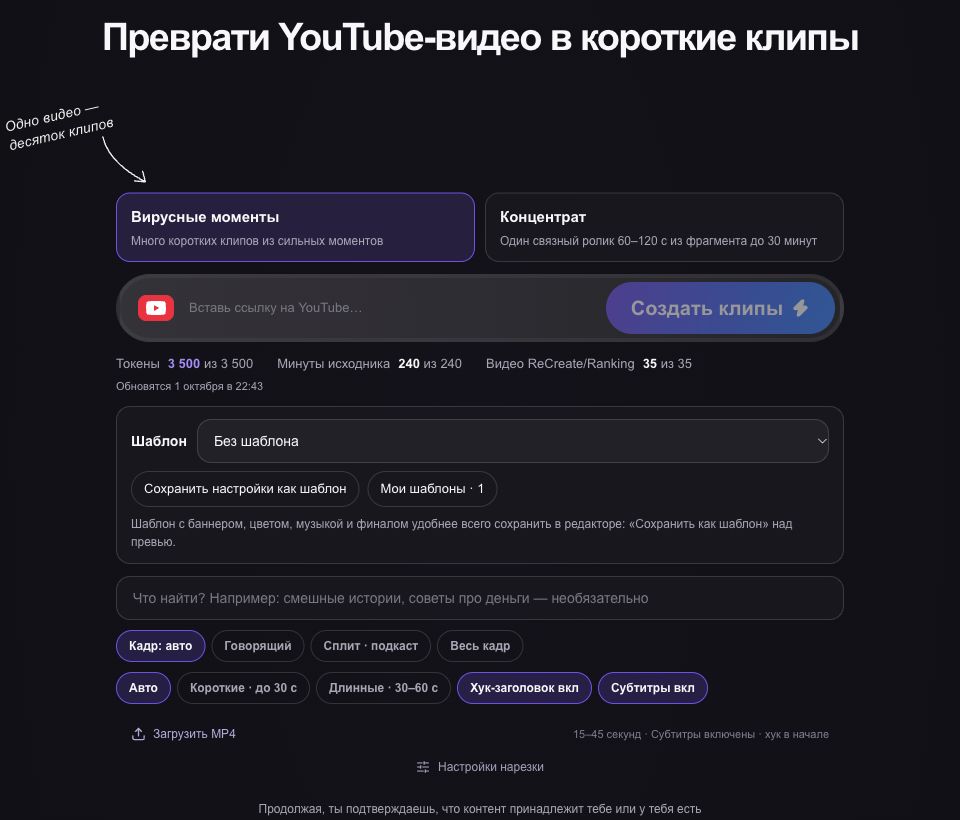
AI can suggest episodes and recognise speech. In getcliper, review those drafts in the editor. Select useful stories, correct mistakes, inspect framing and check that several files are not simply repeating the same fragment without a distinct idea.
Review the visual presentation separately
Correct captions, names and numbers, and choose a readable text position. For advertising, use the current banner and check size and duration. A polished opening frame does not prove that the entire video meets the brief or remains understandable.
Watch the complete MP4 with sound and without it. A phone helps reveal small text, platform overlays and cropped faces. If one template creates the same mistake across several clips, review every affected file rather than correcting only the first example.
Finish with delivery and outcome tracking
For client editing, deliver the files and handle agreed revisions. For your own channel, keep the publication URL, date and required statistics. Advertising work also needs submission under the campaign’s process and tracking of its review status.
Record usable clip count, working hours and costs. Keep confirmed payment separate from money actually received. This shows whether source selection, editing speed or agreement on terms needs improvement. The job includes these steps as well as pressing the clipping button.
Try the workflow on one clip
Explore the sample editor first. Check the plan for your own source and current campaign terms before advertising.
Try getcliper — Russian interface