AI video clipping or manual editing: how to choose
Compare both approaches on the same recording and measure the time needed for usable, reviewed clips.
By the getcliper editorial team · Updated:
Use the same source for both approaches
Choose a recording you may edit and publish. Describe the required result in advance: complete stories, appropriate framing, captions and any advertising. Use the same criteria for the manually edited and AI-assisted versions.
Selecting one excellent moment manually while counting every AI output is not a useful comparison. In both cases, count only videos you are actually ready to publish after inspection. A large batch of files can still require substantial selection and correction.
Let AI prepare repetitive work
On a long conversation, automatic suggestions let you review candidate episodes instead of searching the entire recording from scratch. Speech recognition provides draft captions, while templates repeat styling. These steps can be assessed separately from the quality of story selection.
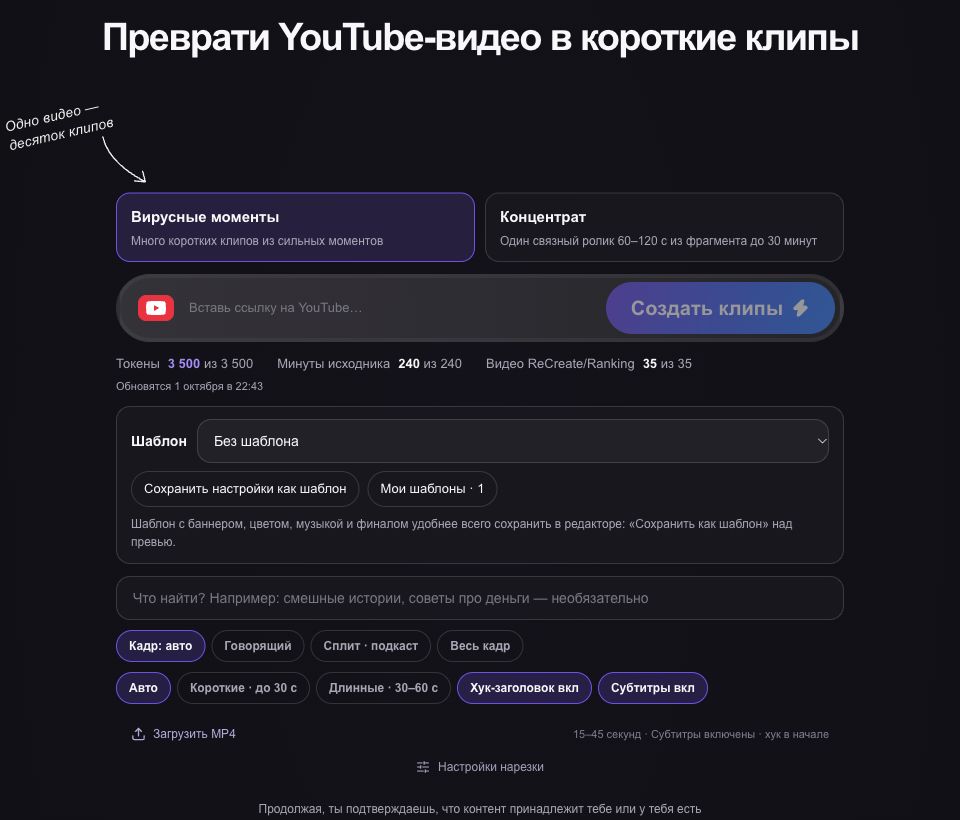
In getcliper, select moments, inspect the opening and conclusion, check framing and correct the words. Download the final file. Measure your active work, including corrections, and record processing waits separately because you may do something else while the job runs.
Review scenes needing manual decisions
A joke can depend on a pause; a plot turn on a glance; a demonstration on an object near the edge. Text alone cannot fully describe those scenes. Compare the clip with the original before deciding whether the important context survived.
Adjust boundaries if the cause of a reaction or important action is missing. Use manual editing where needed. The methods can be combined: automate preparation while giving precise timing and unusual visual scenes their own editing attention.
Compare time per usable result
Record selected stories, hours, expenses and repeated errors. Include captions, banners, export and playback inspection in the comparison. Excluding the final review can make an automated workflow appear more complete than it actually is.
Repeat on recordings typical of your work. One convenient scene does not establish performance across all sources. Try getcliper’s sample workflow and check the plan for your own files. Decide based on which part of your real workload the tool helps reduce.
Try the workflow on one clip
Explore the sample editor first. Check the plan for your own source and current campaign terms before advertising.
Try getcliper — Russian interface