How to choose an AI video clipping tool
Test story boundaries, captions, framing, correction workflows and plan limits on a familiar recording.
By the getcliper editorial team · Updated:
Describe the material you usually edit
Write down the speech language, source type and duration, output format and styling. A multi-person interview, screen recording and film need different selection and framing decisions. Test a source you know well so you can recognise missing context and incorrect names.
Define what you want: independent short stories, one particular video or drafts for further editing. Keep this definition consistent across tools. Comparing every generated file with one carefully selected manual example will not show which workflow fits your actual needs.
Watch all suggested moments
Inspect where each story begins and ends. Is the question understandable, does the conclusion survive, and are there genuinely different episodes? Count the clips you are ready to publish. Many files can be variants of the same scene.
Measure time spent selecting and correcting. Compare any automatic interest score with your own viewing rather than treating it as a prediction of audience response. The score does not establish how viewers on your particular channel will react after publication.
Check captions and difficult framing
Inspect scenes with several people, movement and important objects near the edges. Check that faces and actions remain visible. Then compare names, numbers, negatives and line breaks with the actual speech rather than only judging how the text looks.
Correct one mistake and assess the process. Can you revise an individual clip, or must you restart? Download the MP4, inspect it on a phone and check that changes survived. For advertising, also verify the banner and its entire display interval.
Match plan limits to your workload
Check what the plan counts: source minutes, projects or tokens. Review trial, download, storage and reopening conditions. A large allowance matters only if you will use it to produce reviewed videos rather than accumulating uninspected drafts.
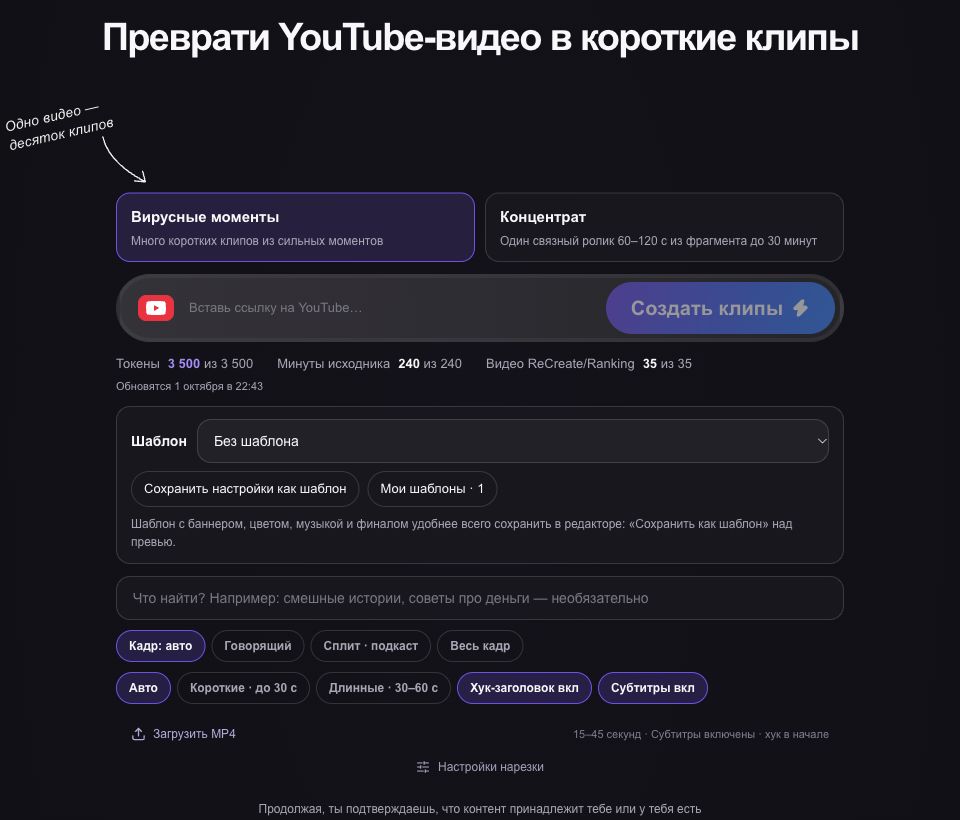
In getcliper, try the sample workflow and editor first. Clipping counts source minutes; ReCreate has a separate project allowance. Compare the plan with your publication schedule and time per usable result, and check conditions for processing your own recordings before paying.
Try the workflow on one clip
Explore the sample editor first. Check the plan for your own source and current campaign terms before advertising.
Try getcliper — Russian interface