How to find advertisers for TikTok videos
Check audience fit, payment rules and commercial-content requirements before preparing a test placement.
By the getcliper editorial team · Updated:
Compare the campaign with your channel
Review your language, available audience geography, video topics and typical results. An advertiser may require a particular audience. The country selected in a profile does not establish where the actual views originate or whether they satisfy campaign requirements.
Look for offers in the getcliper catalogue, creator communities and products relevant to your topic. Ask whether the campaign accepts TikTok, your region and your video format. Another person’s payout screenshot does not explain the conditions of your placement.
Search manually or browse a collected catalogue
You can find advertisers in Telegram clipping chats, creator communities and channels that publish advertising tasks. You can also contact brands already advertising with similar creators. You will need to collect the offers, compare rates and check whether each set of terms is still current.
For offers in one place, register with getcliper. As of 26 October 2026, the catalogue contains 25 published offers, including getcliper’s own tasks. After registration, you can compare visible rates, topics and platforms. Full details, materials and links to third-party offer bots require a paid plan; the number of unlocked offers depends on the plan. getcliper’s own offers are available for free. The service interface is currently in Russian.
For a third-party offer, use the Details button to visit its source and check current requirements, acceptance rules and payout terms before making the video. A catalogue listing does not guarantee payment: your submission must meet the individual task’s conditions.
Establish what is paid for
Record whether payment is a fixed fee, accepted views or viewer actions. Check the counting period, budget, review of statistics and link-submission deadline. Keep these details with the current banner and approved example so you can verify the final export.
If viewers need to visit the product, test the route available on your account. They should understand what to do after watching. Agree on the call to action and banner before editing to avoid rebuilding a batch around a missed condition.
Check commercial-content requirements
Read current TikTok guidance on promoting brands, products and services. Check commercial disclosure, product category, music and source material. These rules are separate from the banner dimensions written in the advertiser’s brief, and both sets need attention.
Resolve conflicts between platform rules and advertiser requests before publication. Save an approved frame and the version of the campaign terms with the project. This record helps establish what was agreed if a later review raises questions about the placement.
Start with one inspected video
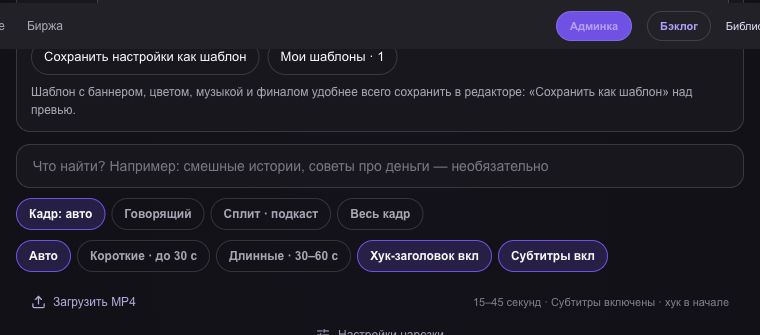
In getcliper, choose a complete moment, correct captions and framing, and add the approved banner. Download the MP4 and inspect the entire advertising interval on a phone. Text must remain readable and important action must remain visible.
Publish, open the direct link from another account or device and submit it as instructed. Keep accepted views, confirmed amounts and payouts separate. When changes are requested, establish the specific reason and inspect other clips using the same styling before submitting them.
Find an advertising offer in getcliper
Register to compare catalogue rates. getcliper’s own offers are free; third-party details and links unlock within your paid plan’s offer allowance. The service interface is in Russian.
Browse offersTry getcliper →